
AI-Enabled Learning
Case Studies
Building Learning with AI
Overview: A set of reusable Claude Skills and a publishing workflow that helps a team build consistent courses faster. My role: designer and builder. Built with Claude Skills and various connectors.
The challenge: Several designers were producing courses for different clients, and brand, audience, and course context drifted from one designer to the next. Publishing to learning portals was also manual and slow.
What I built: Reusable brand kits and course-specific designer briefs, plus an MCP-enabled upload workflow that publishes materials to learning portals.
Design decisions
I separated brand kits from course briefs because they change at different speeds. The brand stays fixed across a client’s courses, while each course has its own audience. The kit gets built once and reused, and designers don’t have to wait on a brief to start.
The modular pieces are client archetypes (corporate, wellness, clinical, creator, certification, nonprofit), each with its own visual guardrails and font pairings. Every kit ends with a one-page set of AI tool instructions that can be pasted into any tool.
I tested the skills on real client work and adjusted as I went. For example, I added a nonprofit archetype after one client didn’t fit the existing ones.
Quality checks
The LxD confirms the archetype, the designer makes every visual call, and the client approves the brand board.
What it enables: Designers start from the same guidance every time, and the team now publishes materials to learning portals with this workflow.
Covered Calls Micro-Course
Overview: An interactive micro-course that teaches beginner investors how to evaluate, plan, and execute covered call trades. My role: learning designer and builder. Built with Claude and Claude Design.
The challenge and learner: Designed for stock investors new to options trading. Learners understand stock ownership but often struggle with options terminology, choosing strike prices, evaluating risk, and knowing when covered calls make sense.
What I built: A five-lesson, practice-first course combining concise instruction, real-world trading examples, interactive scenarios, and immediate feedback to help learners apply concepts as they progress.
Design decisions: Sequenced learning from foundational concepts to strategy selection and execution, gradually increasing complexity. Focused on practical decisions and risk awareness while leaving out advanced options strategies.
How it works: I wrote the content first, then built the interface in a second pass. That two-stage process keeps the instruction sound before any design work begins.
Note: Educational content only, not financial advice.
What it enables: Learners can evaluate whether a covered call fits their investment goals, select appropriate trade parameters, understand potential outcomes, and approach trading decisions with greater confidence.
Portfolio-Management Simulation
Overview: A gamified simulation where beginner options traders practice diagnosing portfolio problems, evaluating risk, and making strategic adjustments. My role: learning designer and builder.
The challenge and learner: Designed for learners who understand basic options strategies but lack confidence applying them to real portfolios. Reading about risk management isn't enough to prepare learners for decisions involving competing priorities and changing market conditions.
What I built: An interactive simulation where learners review realistic portfolio scenarios, identify potential problems, choose corrective actions, and receive immediate feedback on their decisions.
Design decisions: Used progressively challenging scenarios to reinforce portfolio construction, diversification, position sizing, and risk management. Scoring rewards sound decision-making, while explanatory feedback helps learners understand the trade-offs and consequences of each choice.
Note: Educational simulation, not financial advice.
What it enables: Learners can practice portfolio decisions in a risk-free environment, recognize common mistakes, and build confidence managing positions before applying their skills in real trading situations.
AI Diagnostic Tools for Small Business Owners
Overview: Four AI-supported tools in a six-module business growth program that help owners clarify their goals and diagnose what’s in their way. My role: designer and builder. Built with Claude.
The challenge and learner: Owners arrived with broad goals like “grow the business” and struggled to say what that meant or what was holding them back. A worksheet couldn’t ask follow-up questions.
What I built: A connected set of four tools that take the owner from a personal life scorecard to a written vision, then to a gap plan, and finally to a constraint diagnostic. Each asks a short series of questions, reflects back what it hears, and helps the owner land on a specific goal and its biggest constraint.
Design decisions: The tools follow the program’s order, so each builds on the last, and they share one interface so they feel like a single path. The scorecard always shows the lowest score first, because owners tend to skip what isn’t working. The vision tool runs best inside the owner’s own AI assistant, where it can push back on vague answers, but a built-in version is there for owners who don’t use AI. It fixes spelling and grammar without rewording, so the vision stays in the owner’s words. Every result can be copied or downloaded into whatever AI tool the owner already uses.
Quality checks: I tested each tool with realistic owner responses, plus difficult ones like one-word answers, contradictory scores, or “I don’t know. That testing led me to revise wording and how results display. The subject-matter expert also tests each tool before it’s finalized, and his feedback shapes the open decisions on the diagnostic, including how items are weighted, how ties are broken, and how results are displayed.
What it enables: Owners leave with a clear goal and constraint they can bring into the next module.
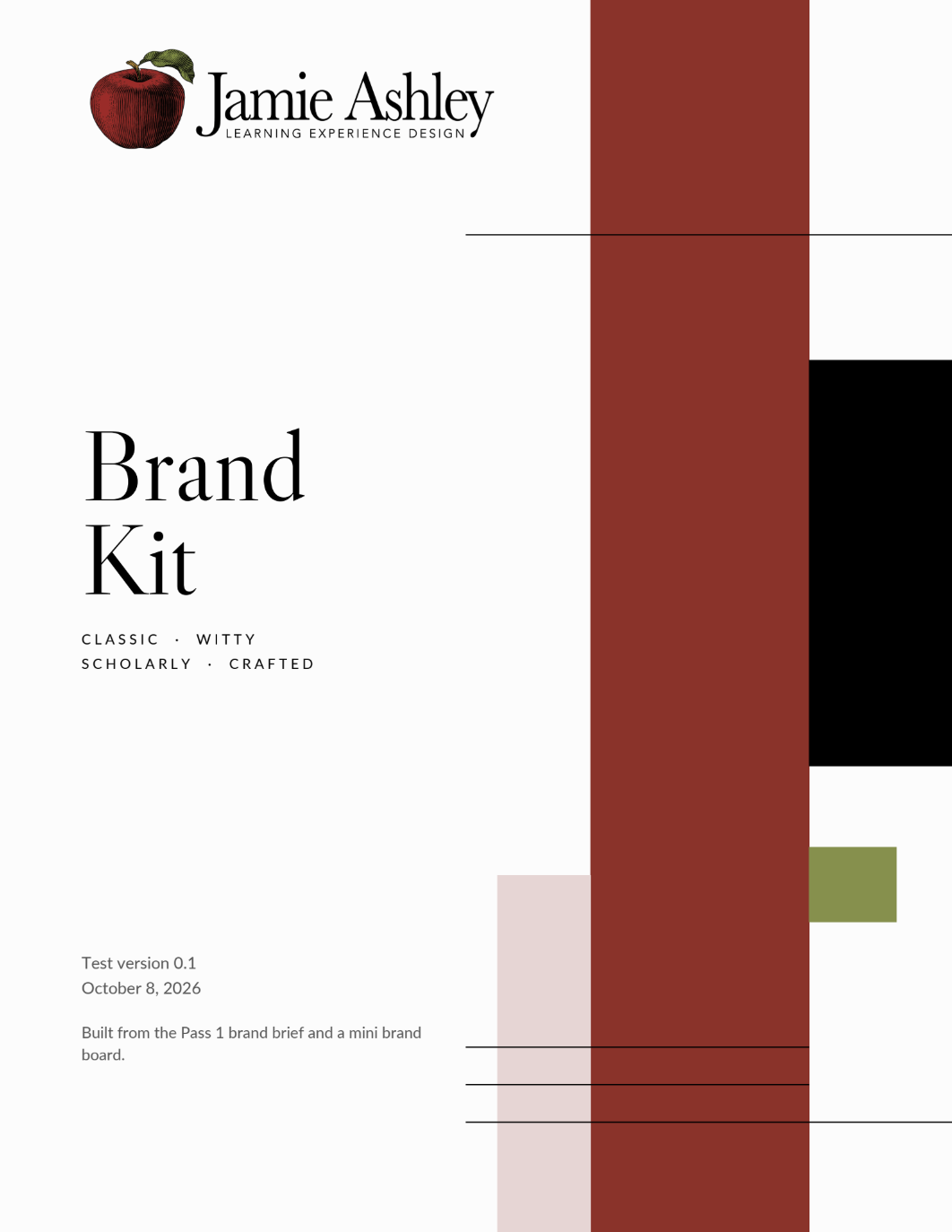
Example shown: a test brand kit I built on my own branding to trial the skill before client use. Click to view draft/test version
All examples have been sanitized to remove original branding and proprietary or personal content.
All examples have been sanitized to remove original branding and proprietary or personal content.
All examples have been sanitized to remove original branding and proprietary or personal content.